The Ayushman Bharat Pradhan Mantri Jan Arogya Yojana (AB-PMJAY) is the world’s largest government funded health insurance scheme. It provides up to ₹5 lakh per family per year in cashless hospitalization coverage to over 55 crore eligible Indians across 30,000+ empanelled hospitals nationwide.
Your Ayushman Card, also known as the PMJAY card or “golden card”, is your proof of eligibility under this scheme. Without it, you cannot avail free treatment at empanelled hospitals. The good news: once you are eligible, downloading your card takes just a few minutes from the official portal.
This complete 2026 guide walks you through every method to download your Ayushman Card, through the PMJAY portal, the Ayushman App, the UMANG portal, and offline through Common Service Centres (CSCs). We cover eligibility, eKYC verification, troubleshooting, state specific information, and the new Ayushman Vay Vandana Card for senior citizens aged 70 and above.
The Ayushman Card is 100% Free
The Government of India does not charge any fee. If anyone asks for payment for application, eKYC, or download, report it immediately to the official PMJAY helpline at 14555.
Get Your Ayushman Card in 3 Simple Steps
From eligibility check to card in your hand, usually completed in under 30 minutes.
Check Eligibility
Verify your family is in the SECC 2011 database, or qualify under the new 70+ Vay Vandana scheme. Takes 2 minutes on the official portal.
Check eligibility →Complete eKYC
Authenticate via Aadhaar OTP, the new Face Authentication, or biometric at a CSC. Approval typically within 1 hour.
eKYC guide →Download Card PDF
Once eKYC is approved, download your card PDF instantly through 4 official methods, portal, app, UMANG, or CSC.
Download steps →All Ayushman Card Services in One Place
Tap any service for the complete step by step guide.
What Is the Ayushman Card?
The Ayushman Card is a government issued digital health insurance card under the Ayushman Bharat Pradhan Mantri Jan Arogya Yojana (AB-PMJAY) scheme, launched on 23rd September 2018 by the Government of India. It is administered by the National Health Authority (NHA) under the Ministry of Health and Family Welfare.
The card provides:
- ₹5 lakh per family per year in cashless secondary and tertiary hospitalisation coverage
- Free treatment at over 30,000 empanelled hospitals, both government and private, across India
- All pre existing conditions covered from day one, no waiting period
- Coverage for over 1,900 medical procedures including cardiac care, cancer, dialysis, neonatal care, and major surgeries
- Pre hospitalisation expenses (3 days) and post hospitalisation expenses (15 days) including diagnostics and medication
- No cap on family size, age, or gender
In 2024, the scheme was expanded to include all senior citizens aged 70 years and above under the new Ayushman Vay Vandana Card, regardless of their family’s income status. This expansion brought an estimated 6 crore additional Indians under the scheme.
The Ayushman Card is issued only to eligible beneficiaries identified through the Socio Economic Caste Census (SECC) 2011 data, the RSBY scheme database, or the 70+ senior citizen category. You can verify your eligibility on the official portal at beneficiary.nha.gov.in or read our detailed eligibility check guide.
Ayushman Card at a Glance
Key facts every beneficiary should know.
How to Download Ayushman Card, All Official Methods
There are four official ways to download your Ayushman Card. The method you choose depends on your comfort with technology and access to internet. All four methods produce the same valid PMJAY card PDF.
Method 1: Download Ayushman Card Through PMJAY Beneficiary Portal (Most Common)
This is the official NHA portal method, the most reliable way to download your Ayushman card online.
Step 1: Open your browser and visit the official PMJAY beneficiary portal at beneficiary.nha.gov.in.
Step 2: On the homepage, click on the “Beneficiary” login option. Enter your Aadhaar linked mobile number and the captcha shown on the screen, then click “Verify”.
Step 3: An OTP will be sent to your registered mobile number. Enter the OTP and click “Login” to access the beneficiary dashboard.
Step 4: Once logged in, select the following from the dropdown menus:
- Scheme: PMJAY
- State: Your state
- Sub Scheme: PMJAY
- District: Your district
- Search By: Family ID, Aadhaar, Name, or Location
Step 5: Click “Search”. The system will display your family members. Look for the names with the status “Approved”, these are eligible for card download.
Step 6: Next to each approved family member, you will see a “Download Card” icon. Click it for the member whose card you want.
Step 7: Authenticate using Aadhaar OTP, enter the Aadhaar number, tick the consent box, and enter the OTP sent to your Aadhaar linked mobile.
Step 8: Your Ayushman Card PDF will be downloaded to your device. The card contains your PM-JAY ID and QR code, both required at hospitals.
Pro Tip: Save the PDF to Google Drive or DigiLocker as a backup. Take a printout for hospital visits, many rural hospitals prefer paper copies.
For detailed troubleshooting on this method, read our complete Ayushman Card download guide.
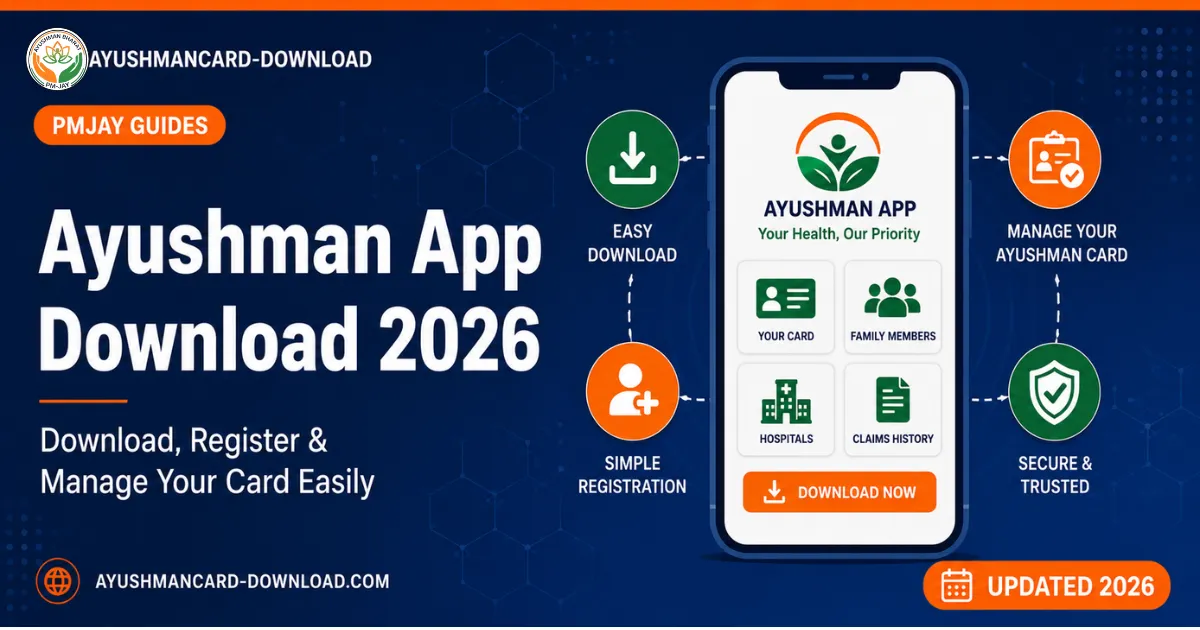
Method 2: Download Ayushman Card Through the Official Ayushman App
If you prefer a mobile app, the official Ayushman App by the National Health Authority is the fastest method on a smartphone.
Step 1: Open the Google Play Store (Android) or App Store (iOS). Search for “Ayushman Bharat”, the official app is published by the National Health Authority and shows the NHA logo.
Step 2: Install and open the app. Login using your Aadhaar linked mobile number and the OTP sent to it.
Step 3: On the dashboard, tap “Beneficiary”, then select your state and district.
Step 4: Find your name in the family list. Tap the eKYC icon if not already verified, then complete Aadhaar authentication.
Step 5: Once approved, tap “Download Card”. The app will save the PDF directly to your phone storage.
The Ayushman app also supports regional languages including Hindi, Bengali, Tamil, Telugu, Marathi, Gujarati, Kannada, Malayalam, Punjabi, Urdu, and Kashmiri.
Detailed app installation guide: Ayushman App Download
Method 3: Download via UMANG Portal or App
The UMANG (Unified Mobile Application for New age Governance) platform also supports Ayushman Card download.
Step 1: Visit web.umang.gov.in or open the UMANG app.
Step 2: Login with your mobile number and OTP, or create a UMANG account.
Step 3: In the search bar, type “PMJAY” or “Ayushman Bharat” and select the service.
Step 4: Choose “Download Ayushman Card”, then complete the same Aadhaar based authentication.
Step 5: Download the PDF directly from the UMANG dashboard.
This method is particularly useful if you already use UMANG for other government services like EPFO, PAN, or driving licence.
Method 4: Offline Download Through Common Service Centre (CSC)
If you do not have internet access, an Aadhaar linked mobile number, or are uncomfortable with online portals, you can download your Ayushman Card from your nearest Common Service Centre (CSC), also called Jan Seva Kendra.
Step 1: Locate your nearest CSC by visiting locator.csccloud.in or asking at the panchayat office.
Step 2: Carry your Aadhaar card, ration card (if available), and Aadhaar linked mobile number for verification.
Step 3: Tell the CSC operator (also called VLE, Village Level Entrepreneur) that you want to download your Ayushman Card.
Step 4: The operator will verify your eligibility and complete the Aadhaar based authentication on your behalf.
Step 5: Once verified, the CSC will print your Ayushman Card and give you the physical copy. They can also email or send the PDF to your mobile.
Note: Although the Ayushman Card is free, CSC operators may charge a small service fee (₹20 to ₹50) for printing and processing. This fee is for the CSC service, not for the card itself. Get a printed receipt if you are charged.
Featured Guides on Key Topics
Comprehensive guides on the most important Ayushman Bharat topics, with featured images and quick previews.
Documents Required to Download Ayushman Card
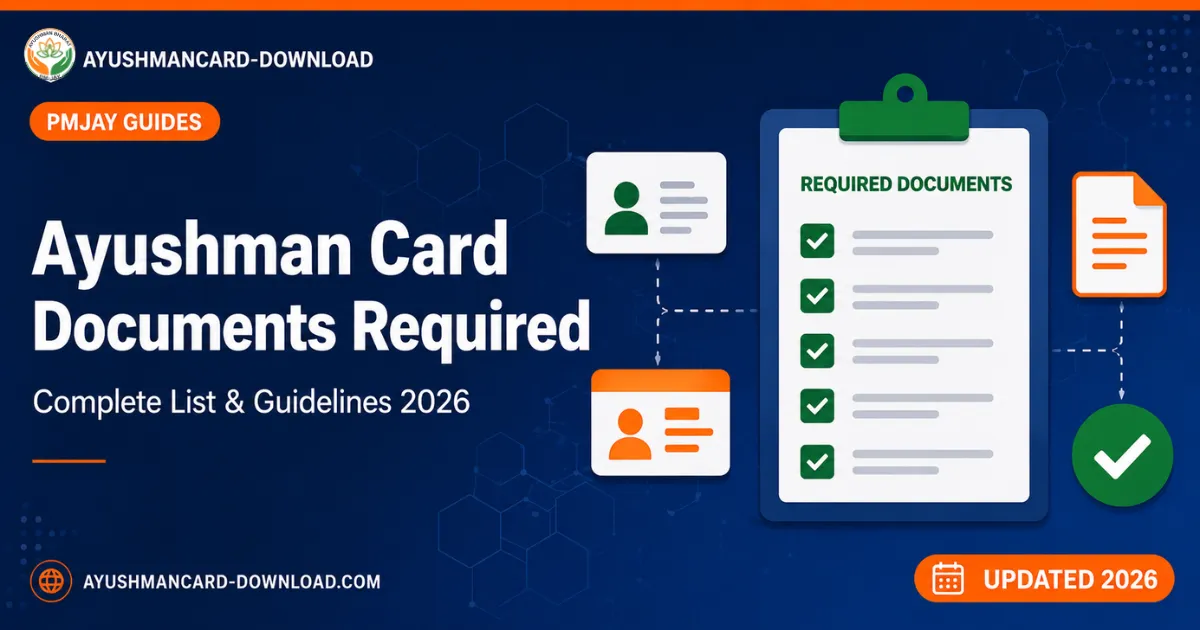
Keep the following documents ready before starting the download process. Having these ready avoids interruptions and OTP timeouts.
- Aadhaar Card of the family member whose card is being downloaded (mandatory)
- Aadhaar linked mobile number for OTP verification
- Ration Card (if available, helpful but not always required)
- Family ID or PMJAY Family ID (if you already have one)
- SECC 2011 reference number (if previously verified)
- For senior citizens (70+): Only Aadhaar is required, no income proof needed
For the complete document checklist with state specific variations, see our Documents Required guide.
Ayushman Card Eligibility, Who Can Apply
Eligibility for the Ayushman Card is not based on application, you are either pre identified by the government or you fall under the new senior citizen category. There are three main eligibility paths:
1. Families Listed in SECC 2011 (Rural Households)
Rural families are automatically eligible if they meet any of the six deprivation criteria defined by SECC 2011, including: kuccha houses, no adult earning member, SC/ST households, manual scavenger families, landless agricultural labour, and others.
2. Families Listed in SECC 2011 (Urban Households)
Urban families are eligible if the head of the household works in one of 11 occupational categories such as rag pickers, beggars, domestic workers, street vendors, construction labourers, sanitation workers, sweepers, and similar low income occupations.
3. Senior Citizens Aged 70+ (Ayushman Vay Vandana Card)
Launched in October 2024, this expansion makes all Indian citizens aged 70 years and above eligible, regardless of family income, occupation, or SECC status. Only an Aadhaar card is required for verification.
For a complete eligibility self check with state wise rules, read our Ayushman Card Eligibility guide.
Ayushman Card Benefits, What You Get
The Ayushman Bharat PMJAY card is one of the most comprehensive government health schemes in the world. Here is what your card covers:
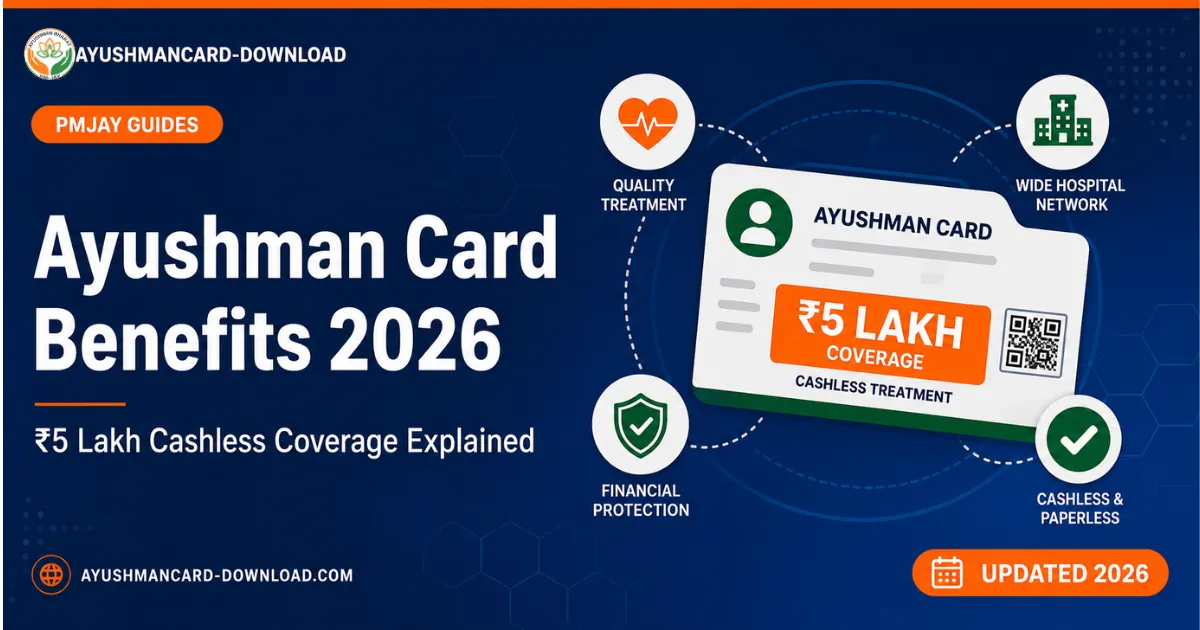
- ₹5 lakh cashless coverage per family per year at all empanelled hospitals
- Free hospitalisation, no upfront payment required at admission
- Coverage for 1,900+ medical procedures including cardiac surgery, cancer chemotherapy, dialysis, joint replacement, neonatal care, and major surgeries
- Pre hospitalisation expenses covered for 3 days before admission (consultations, diagnostics, tests)
- Post hospitalisation expenses covered for 15 days after discharge (follow up consultations, medicines)
- All pre existing diseases covered from day one, no waiting period
- No restriction on family size, age, or gender, entire eligible family is covered
- Portable across India, use your card in any state where empanelled hospitals exist
- Transportation allowance in select cases for very remote beneficiaries
- Annual free health check ups at empanelled Health and Wellness Centres
The scheme covers treatment at over 30,000 empanelled hospitals, both government and private, across all 33 implementing states and Union Territories.
Read our complete Ayushman Card Benefits guide for the full list of covered procedures and exclusions.
State Wise Ayushman Card Guide
Each state has slightly different implementation rules, helpline numbers, and empanelled hospital lists.
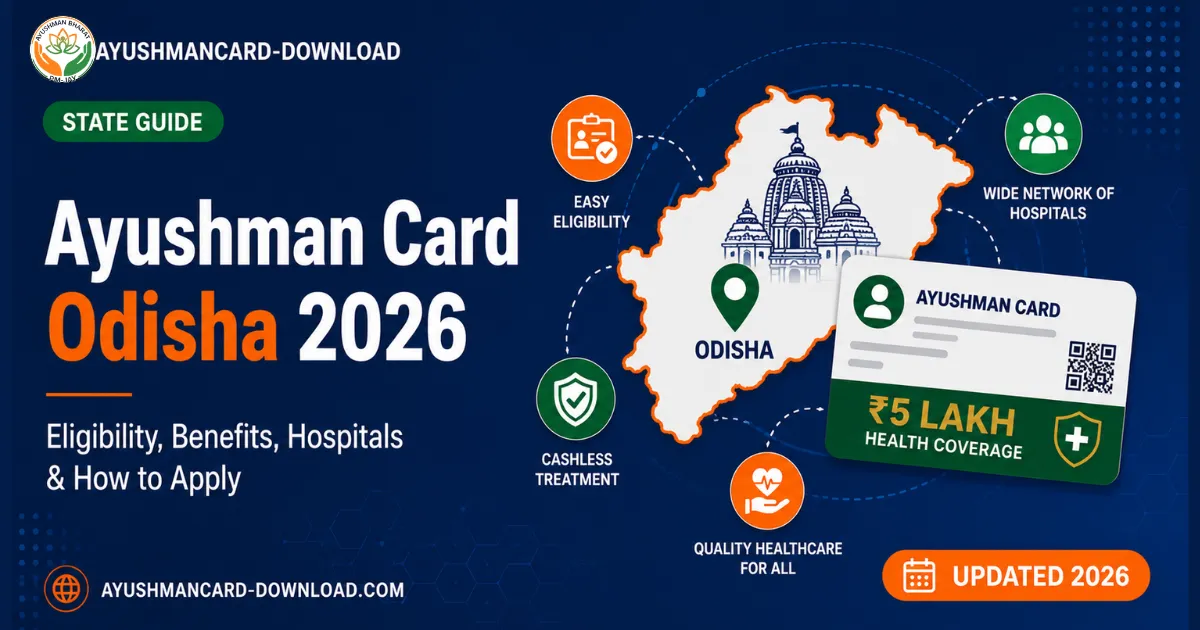
Odisha
Complete guide for PMJAY in Odisha alongside the state’s BSKY scheme. Hospital lists for Bhubaneswar, Cuttack, Rourkela, and more.
View Odisha guide →For All Other States
The application process is identical across India. Use the official PMJAY hospital locator to find empanelled hospitals in your state.
Open hospital locator ↗Ayushman Vay Vandana Card, Special Senior Citizen Coverage (70+)
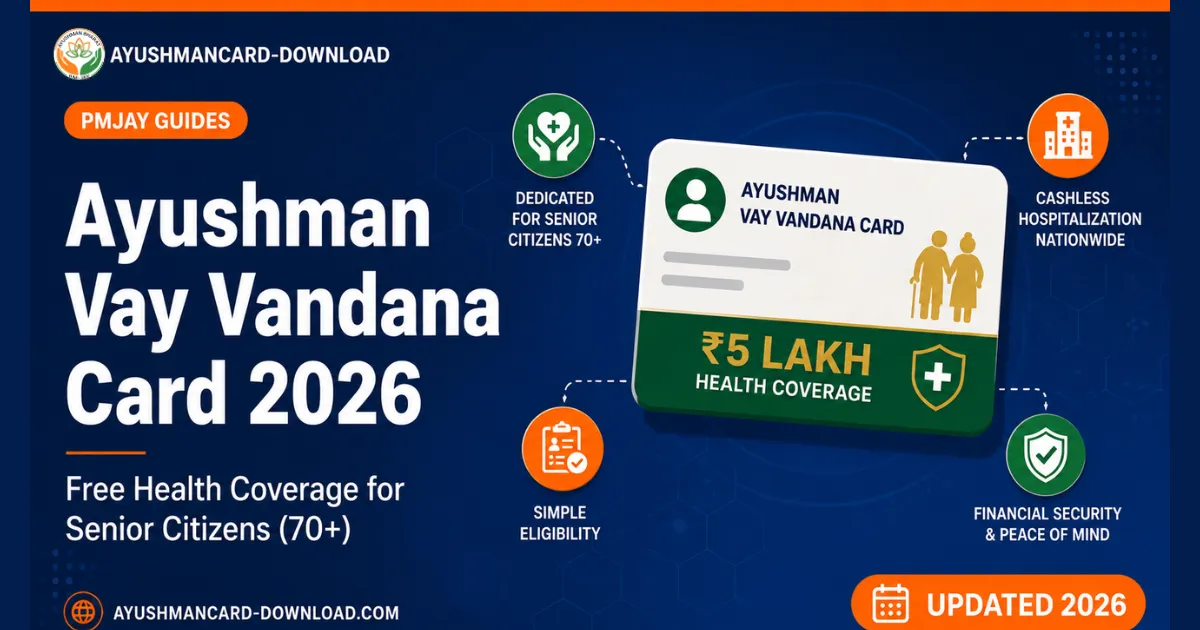
In October 2024, the Government of India launched the Ayushman Vay Vandana Card, a major expansion of the Ayushman Bharat scheme that extends ₹5 lakh free health coverage to every Indian senior citizen aged 70 and above, regardless of income, occupation, or SECC eligibility.
Key features of the Vay Vandana Card:
- Universal eligibility for citizens aged 70+, no income limit, no SECC requirement
- ₹5 lakh additional top up coverage for senior members in families already covered under PMJAY
- If both spouses are 70+, they share the ₹5 lakh top up between them
- Standalone ₹5 lakh cover for senior citizens not covered by any PMJAY family card
- Only Aadhaar required for verification, no other documents needed
- Coexists with private health insurance, you can hold both
- Available at the same 30,000+ empanelled hospitals under PMJAY
To download the Vay Vandana Card, the senior citizen visits beneficiary.nha.gov.in, logs in with their Aadhaar linked mobile, and completes Aadhaar OTP authentication. The card is then available for download as a PDF.
Read our complete Ayushman Vay Vandana Card Guide for 70+ Senior Citizens for the full eligibility, documents, and download process.
Common Issues & Troubleshooting
Here are the most frequent problems users face while downloading the Ayushman Card, and how to fix them.
Issue 1: “Name Not Found in Beneficiary List”
This means your family is not currently listed in the SECC 2011 database or the PMJAY beneficiary list. Solutions:
- Double check your state, district, and search method, try searching by Family ID or Ration Card instead
- If you are aged 70 or above, you are eligible under the Ayushman Vay Vandana Card, use Aadhaar number to search
- Visit a CSC with your Aadhaar and ration card, the operator can do a deeper database check
- Call the official helpline 14555 for verification
Issue 2: OTP Not Received on Mobile
This is the most common error. Solutions:
- Confirm your mobile number is linked to Aadhaar, check at resident.uidai.gov.in
- Ensure your network signal is strong, wait 2 minutes and click “Resend OTP”
- Switch from 4G to Wi-Fi (or vice versa) if persistently failing
- If still failing, visit a CSC for offline OTP free authentication via fingerprint
Issue 3: eKYC Failed or Pending
After completing eKYC, the system may show “Pending” for up to 24 hours. Solutions:
- Wait at least 15 to 20 minutes after eKYC submission, then refresh the portal
- If status is “Pending” beyond 24 hours, re submit eKYC at a CSC with biometric verification
- For 70+ senior citizens, eKYC is usually approved within 1 hour
Issue 4: PDF Not Downloading or Showing Error
Solutions:
- Try a different browser, Chrome usually works best, avoid in app browsers
- Disable any VPN or proxy during download
- Clear your browser cache and retry
- On mobile, use the official Ayushman App instead of the website
Issue 5: Wrong Name or Photo on the Card
If your card has incorrect details:
- Visit your nearest CSC and request correction/update of your Ayushman Card details
- For photo update, biometric Aadhaar verification is required
Toll free, available in 11+ Indian languages, Monday to Saturday, Government of India.
For grievances, file online at grievance.pmjay.gov.in
Frequently Asked Questions
Quick answers to the most common questions about Ayushman Card.
Is the Ayushman Card free to download?+
How long does it take to download an Ayushman Card?+
Can I download Ayushman Card without an Aadhaar linked mobile number?+
How many family members can be covered under one Ayushman Card?+
Can I download Ayushman Card by mobile number only?+
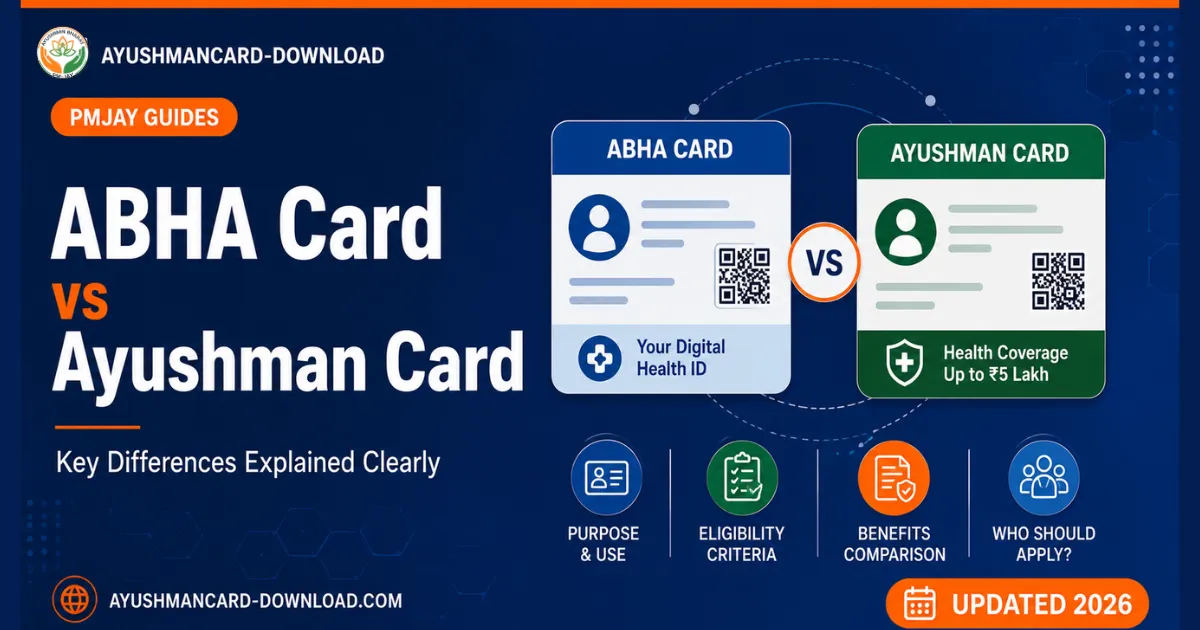
What is the difference between Ayushman Card and ABHA Card?+
How can I check if my Ayushman Card is active or expired?+
What should I do if my Ayushman Card download fails repeatedly?+
Why Trust AyushmanCard-Download.com?
We are an independent informational portal dedicated to making Ayushman Bharat PMJAY information accessible to every eligible Indian citizen. Our guides are:
- ✓Researched directly from official sources, pmjay.gov.in, beneficiary.nha.gov.in, and NHA press releases
- ✓Documented from real portal sessions, every step is verified, not guessed
- ✓Updated regularly, whenever NHA announces policy changes, our guides are updated within days
- ✓Written in plain language, no jargon, no bureaucratic confusion
- ✓Backed by clear citations, every fact links to its official source
Read more on our About Us page and review our editorial standards.
Official sources: pmjay.gov.in · beneficiary.nha.gov.in · Helpline: 14555